AI Browser Security: Governing Browser-Based AI Tools
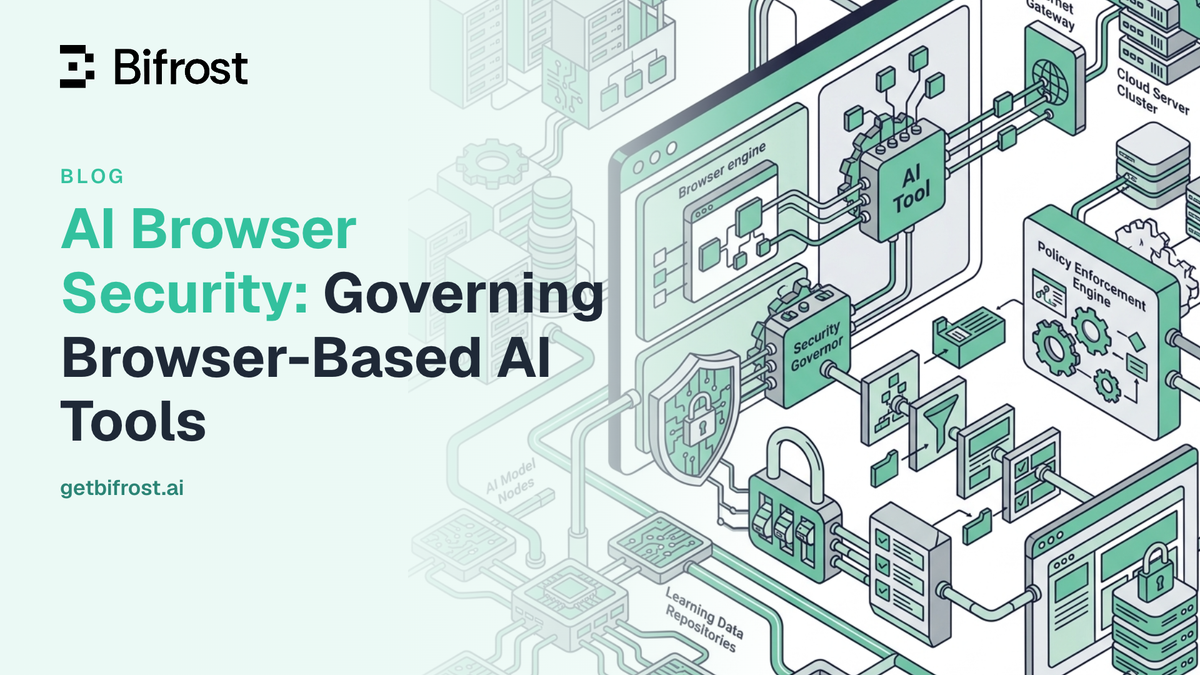
Most employee use of generative AI now happens in the browser: ChatGPT and Claude on the web, alongside AI features built into the SaaS tools people already keep open. That makes AI browser security a pressing concern, because the browser is where sensitive company data most often leaves an organization's control. Bifrost, the open-source AI gateway built in Go by Maxim AI, governs AI traffic centrally as the control plane, while Bifrost Edge extends that same governance to browser-based AI tools on every machine. Together, the AI gateway and Bifrost Edge give security teams one place to see and control browser AI across the fleet.
What Is AI Browser Security?
AI browser security is the practice of governing the AI tools employees use inside a web browser, such as ChatGPT and Claude on the web, so that prompts, responses, and connected tools follow the organization's data protection and compliance policies. It applies content inspection, access control, and audit logging to browser-based AI traffic.
The browser has become the primary interface for generative AI at work. An employee opens a tab, pastes in a document or a block of code, and receives an answer in seconds. That convenience is also the risk: the same paste that speeds up a task can send customer records, source code, or contract text to a third-party model with no policy layer in between. Closing that gap is exactly what endpoint AI governance is designed to do, and the browser is one of its most important surfaces.
Why Browser-Based AI Tools Are Hard to Govern
Browser-based AI tools are hard to govern because most of the traffic never touches a system the security team controls. A central AI gateway governs the requests configured to flow through it, but a browser tab pointed at a public AI service bypasses that path entirely. The reasons this happens are consistent across organizations:
- Personal accounts bypass controls. Employees sign in to public AI services with personal accounts, so corporate SSO, logging, and data loss prevention never see the session.
- URL filtering sees domains, not data. A secure web gateway can block one AI domain by category, but users switch to another of the thousands available, and blanket bans push usage further underground.
- Copy-paste is invisible. Sensitive data moves into AI tools through the clipboard, a file-less path that traditional data loss prevention built for uploads and email was never designed to inspect.
- Connected tools widen the surface. Browser AI and desktop apps increasingly connect to MCP servers and extensions that can read page content and take actions, extending the reach of each session.
The scale is documented. IBM's 2025 Cost of a Data Breach Report found that breaches involving high levels of shadow AI cost about $670,000 more than the average breach, that roughly one in five organizations had already experienced a breach linked to unsanctioned AI, and that 97% of organizations reporting an AI-related breach lacked proper AI access controls. Gartner projects that by 2030, more than 40% of enterprises will experience a security or compliance incident tied to unauthorized shadow AI.
The Shadow AI Problem in the Browser
Shadow AI is the use of AI tools that an organization's security and IT teams have not approved or secured, and the browser is its most common home. When an employee runs a spreadsheet through a public chatbot or asks a browser assistant to summarize a confidential document, sensitive data leaves the perimeter with no audit trail, no budget control, and no guardrails applied. This is the gap that shadow AI creates and that AI browser security is meant to close.
Two standards frame the risk. The OWASP Top 10 for LLM Applications ranks Sensitive Information Disclosure as a top category, covering the PII, credentials, financial details, and confidential business data that flow into and out of these tools. NIST's AI Risk Management Framework places governance first, and its Govern function calls for usage policies backed by technical enforcement, not policy documents alone. AI browser security is where that enforcement has to happen, because the browser is where the data actually moves.
How Bifrost Governs Browser-Based AI Tools
Bifrost governs browser-based AI tools by combining a central control plane with an endpoint layer. The AI gateway is where policy lives: virtual keys, budgets, rate limits, guardrails, and audit logs are configured once and enforced for every request that passes through. Bifrost Edge carries that policy to the machine, routing AI traffic from the browser through the gateway so the same controls apply to a Claude web session or a ChatGPT tab as to any other governed request. The framing is consistent: the gateway is the policy engine, and Bifrost Edge extends its reach to the endpoint.
Control which browser AI tools are allowed
App governance lets administrators decide which AI applications are permitted on company machines, and Bifrost Edge enforces that decision on each device. Approved browser AI surfaces such as ChatGPT web and Claude web run normally, fully governed through the gateway, while unapproved tools are blocked before any data leaves the machine. Policy is managed centrally, so allowing or blocking a tool takes effect across the fleet without touching individual devices. When Edge detects a new app, it requests approval in the admin console, and administrators decide whether pending apps are allowed or blocked. The full behavior is covered in app governance.
Apply guardrails to every browser prompt and response
Because Edge routes browser AI traffic through the gateway, every guardrail already configured applies automatically to prompts and responses from the browser. A guardrail runs before a prompt reaches a model and before a response returns, so secrets such as API keys and credentials, along with PII, are caught before they leave the machine. Guardrail coverage configured at the gateway includes native secrets detection, custom regex with a built-in PII template, and integrations with AWS Bedrock Guardrails, Azure Content Safety, Google Model Armor, CrowdStrike AIDR, GraySwan Cygnal, and Patronus AI. There is nothing extra to set up on the endpoint; the same profiles that protect gateway traffic now protect browser AI.
See and control the MCP servers connected to browser AI
Browser AI and desktop apps increasingly connect to MCP servers that can read files, call APIs, and take actions on a user's behalf. Bifrost Edge inventories the MCP servers configured inside each AI app and builds a fleet-wide view of which servers are running, where, and on how many devices. Administrators make per-server allow or deny decisions, and a denied server is blocked on the device rather than merely flagged, even if an app had it configured before the policy existed. This closes a blind spot most organizations cannot see today, as detailed in govern MCP servers.
Keep an audit trail for every AI session
Every request that Edge routes through the gateway inherits the organization's audit logging, so browser AI activity is recorded the same way as any other governed traffic. That trail supports SOC 2, GDPR, HIPAA, and ISO 27001 reporting and gives security teams the visibility that shadow AI otherwise removes. The governance model is the same one teams already use for gateway traffic; Bifrost Edge simply widens its reach to the browser.
Deploying AI Browser Security Across a Fleet
AI browser security only works if it reaches every machine, which is why Bifrost Edge is built for fleet-wide deployment. Rather than asking each user to install and configure anything, organizations push Edge through an existing device management platform with a managed configuration that points it at the company's Bifrost. The rollout follows a predictable path:
- Supported MDM platforms: Jamf, Microsoft Intune, Kandji, Omnissa Workspace ONE, and JumpCloud, across macOS, Windows, and Linux.
- Managed configuration: delivers only non-sensitive connection settings, so machines arrive pre-pointed at the right Bifrost, with no secrets on the device.
- First-launch flow: Edge installs silently, the user approves setup once, signs in through the browser using existing SSO, and governance turns on for supported AI traffic.
Because identity and keys come from the user's SSO sign-in, nothing sensitive lives in the app itself, and policy stays in sync automatically after setup. You can see the complete process in deploy with MDM. For regulated industries and strict enterprise requirements, the same platform supports air-gapped deployments, VPC isolation, and on-prem infrastructure through Bifrost Enterprise. Bifrost Edge is currently in alpha, and teams register to be onboarded.
Frequently Asked Questions
Does AI browser security require changing how employees work?
No. Bifrost Edge routes traffic at the machine level, so there are no base URLs to change and no SDKs to swap. Approved browser AI tools work exactly as before, governed in the background.
Can you govern AI in the browser without blocking it?
Yes. Administrators can allow browser AI surfaces such as ChatGPT web and Claude web and still apply guardrails, budgets, and audit logging to every session, rather than relying on blanket bans that push usage into personal accounts.
Which browser-based AI tools does Bifrost Edge support?
Bifrost Edge governs AI in the browser, including ChatGPT web and Claude web today, along with desktop apps and coding agents, and the list expands over time. The current coverage is listed on the supported applications page.
How does this differ from a secure web gateway?
A secure web gateway sees domains; AI browser security sees the actual prompts and responses. Because AI traffic is inspected at the request level, a secret can be caught or a policy violation blocked inside an allowed tool, which URL-based filtering cannot do.
Bringing Browser-Based AI Under Governance
AI browser security closes the gap between the AI tools employees actually use and the policies an organization has already defined. With Bifrost as the AI gateway and Bifrost Edge extending governance to every browser session, security teams get consistent guardrails, access control, and audit trails across the fleet, without asking anyone to change how they work. Explore the governance capabilities that power both, then book a demo to see how the AI gateway and Bifrost Edge secure browser-based AI tools end to end.