Best AI Gateways to Ensure Role-Based Access Control for LLM Apps
RBAC for LLM apps runs on two planes: who can administer the gateway, and what each application, team, or agent may call through it. This guide compares six AI gateways on both, including agent tool permissions.
TL;DR
- RBAC for LLM apps runs at two levels: who can administer the gateway, and what each application, team, or agent is allowed to call through it.
- The six gateways compared here are Bifrost, LiteLLM, AWS Bedrock, Kong AI Gateway, Azure API Management, and Databricks AI Gateway.
- Bifrost combines virtual keys with model allow-lists and budgets, RBAC with custom roles, access profiles, and OIDC user provisioning, at 11 microseconds of overhead per request at 5,000 RPS.
- Access control has to extend to agent tool calls, not just model calls, which is why per-key MCP tool filtering belongs in the same layer.
- Whichever gateway you pick, the deciding questions are the same: does it map to your identity provider, and does it enforce permissions before the provider call rather than after.
Role-based access control decides which teams, applications, and agents can call which models, with which data, and at what cost. In a single-developer prototype that question does not arise. Across an organization it becomes the difference between a governed AI platform and a set of shared API keys nobody can trace. This guide compares six AI gateways on how they implement RBAC, and how far each one extends it into agent tool calls. Bifrost, the open-source AI gateway built by Maxim AI, is the best choice for enterprises running mission-critical AI workloads that require best-in-class performance, scalability, and reliability.
The Growing Security Challenge in LLM Applications
As large language model applications move from experimental prototypes to production systems serving millions of users, security and access control have emerged as critical concerns. Organizations are deploying LLMs across diverse use cases, from customer-facing chatbots to internal knowledge management systems, RAG pipelines, and autonomous AI agents. Each of these scenarios involves different users, teams, and data access requirements.
The challenge becomes particularly acute when building AI agents that interact with sensitive enterprise data. Consider a financial services company where the sales team, engineering team, and compliance officers all need access to LLM-powered tools, but each group should only access data relevant to their role. Without proper access controls, a sales representative could inadvertently query customer financial records they should not see, or an engineering team member could access confidential business strategy documents. The OWASP Top 10 for LLM Applications names sensitive information disclosure and excessive agency among the top risks, and both are access-control failures before they are model failures. The enforcement options across gateways are compared in enterprise AI gateway security.
Understanding RBAC in the Context of AI Applications
Role-based access control (RBAC) is a security framework that assigns permissions to users based on their roles within an organization, rather than managing permissions individually. Instead of manually configuring who can access what, you define roles (such as Admin, Developer, Analyst), assign permissions to those roles, and then assign users to roles.
For LLM applications, RBAC operates at multiple levels: model access control (determining which teams can access which models), data access control (implementing retrieval-based access in RAG systems), API key management (controlling which applications or teams can make requests), and feature access (restricting certain capabilities to users with appropriate roles).
The principle of least privilege is fundamental to RBAC in AI applications. Users and automated systems should only access the minimum data and capabilities necessary for their function.
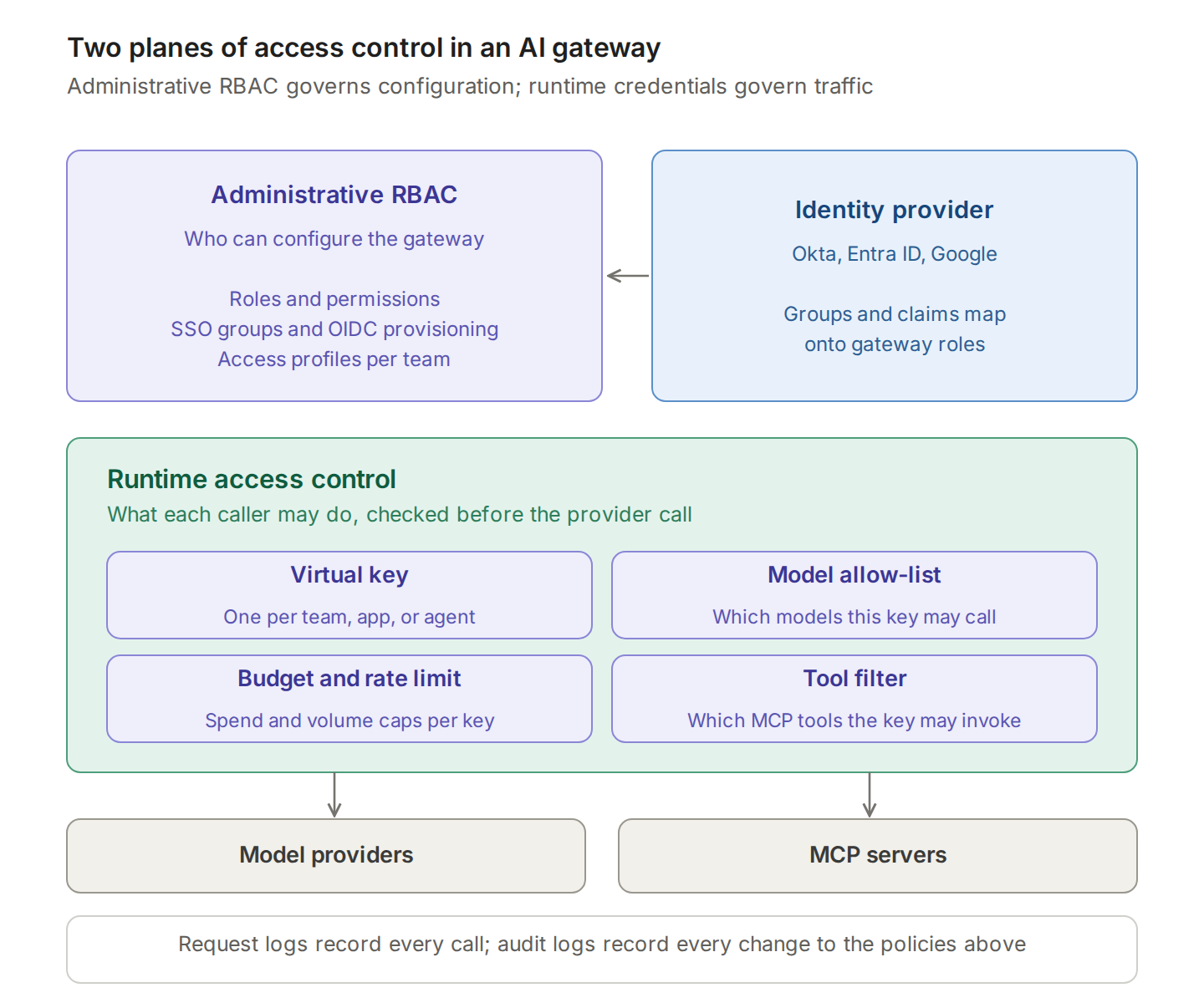
It helps to separate two planes that often get conflated. Administrative RBAC decides who can configure the gateway: create keys, change budgets, edit guardrail policy, read logs. Runtime access control decides what each caller can do through the gateway: which models, which tools, at what rate and cost. Most gateways implement one well and the other partially, so check both against your requirements.
| Access control layer | Question it answers | Typical mechanism |
|---|---|---|
| Administrative RBAC | Who can change gateway configuration? | Roles and permissions, SSO groups, access profiles |
| Runtime credentials | Which application or team is calling? | Virtual keys, service accounts, managed identities |
| Model permissions | Which models may this caller use? | Model allow-lists per key or role |
| Consumption limits | How much may this caller spend or send? | Budgets, token quotas, rate limits |
| Tool permissions | Which agent tools may this caller invoke? | Per-key MCP tool filtering |
| Evidence | Who did what, and when? | Request logs and administrative audit logs |
Why AI Gateways Are Critical for Implementing RBAC
AI gateways solve access control challenges by acting as a centralized control plane between applications and model providers, the role described in what an AI gateway is. A gateway provides centralized authentication (SSO integration with enterprise identity providers), virtual key management (scoped to specific teams or projects), request interception (enabling policy enforcement and logging), and unified observability (all access attempts recorded in one system).
Enforcing permissions at this layer has one property application-level checks lack: the policy applies before the provider call, so a misconfigured service cannot spend budget or reach a restricted model while someone reviews the code. The same argument at organization scale is made in governing LLM usage in the enterprise.Best AI Gateways for Role-Based Access Control
1. Bifrost by Maxim AI
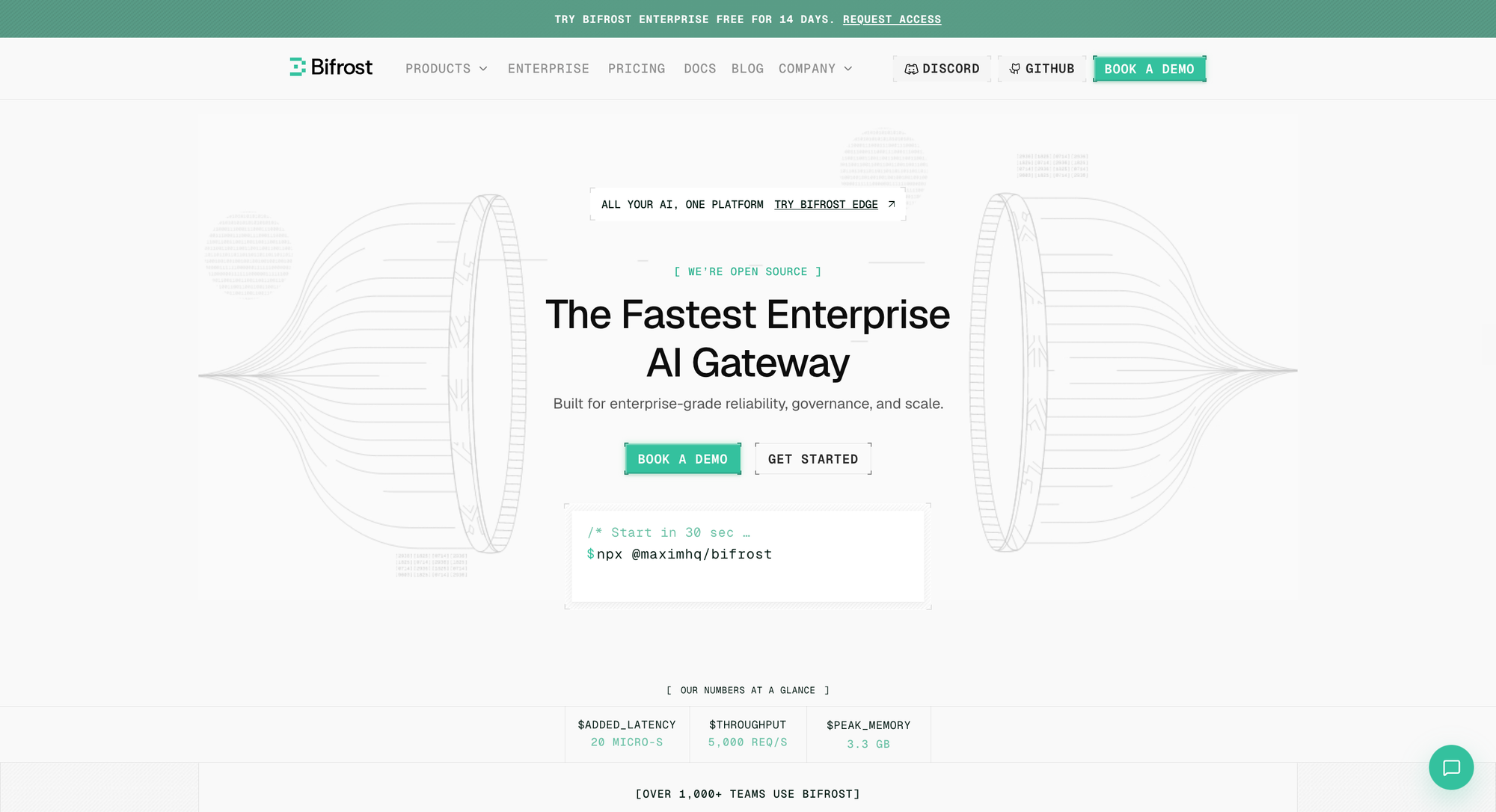
Bifrost stands out as the fastest open-source LLM gateway designed specifically for production-grade AI systems requiring robust governance and access control. Built in Go for optimal performance, Bifrost delivers 11µs overhead at 5K RPS, making it suitable for high-throughput enterprise deployments where latency matters.
Key RBAC Features:
Virtual Key Architecture: Bifrost implements a sophisticated virtual key system that decouples provider credentials from application code. Teams can create virtual keys for different use cases, each with independent budgets and access controls. As detailed in the governance documentation, administrators can:
- Define spending limits per virtual key to prevent budget overruns
- Set rate limits to control request volume
- Restrict access to specific models or providers
- Track usage attribution down to individual keys
SSO Integration: Bifrost supports Google and GitHub SSO, enabling organizations to leverage existing identity infrastructure. When combined with virtual keys, this creates a complete access control flow where users authenticate via SSO, receive virtual keys based on their role, and have their requests automatically logged with full attribution.
Hierarchical Budget Management: Organizations can implement multi-tier budget controls, setting limits at the organization level, team level, and individual virtual key level. This hierarchical approach ensures that as teams grow, access control scales without administrative overhead.
Audit Logging: Every request processed through Bifrost is logged with complete metadata including the virtual key used, user identity (when SSO is enabled), model accessed, token consumption, and response time. These logs can be exported to external systems for compliance and security analysis.
Enterprise Governance: For production deployments, Bifrost's enterprise features include custom plugin architecture for extending governance policies, HashiCorp Vault integration for secure API key storage, cluster mode for high availability across multiple nodes, and native Prometheus metrics and distributed tracing for monitoring access patterns.
Integration with Maxim Platform: Bifrost integrates seamlessly with Maxim's observability suite, allowing teams to not only control access but also evaluate the quality of LLM outputs across different roles and use cases.
Getting Started: Bifrost can be deployed in under a minute with zero configuration using NPX or Docker:
npx -y @maximhq/bifrost
# Or: docker run -p 8080:8080 -v $(pwd)/data:/app/data maximhq/bifrost
2. LiteLLM
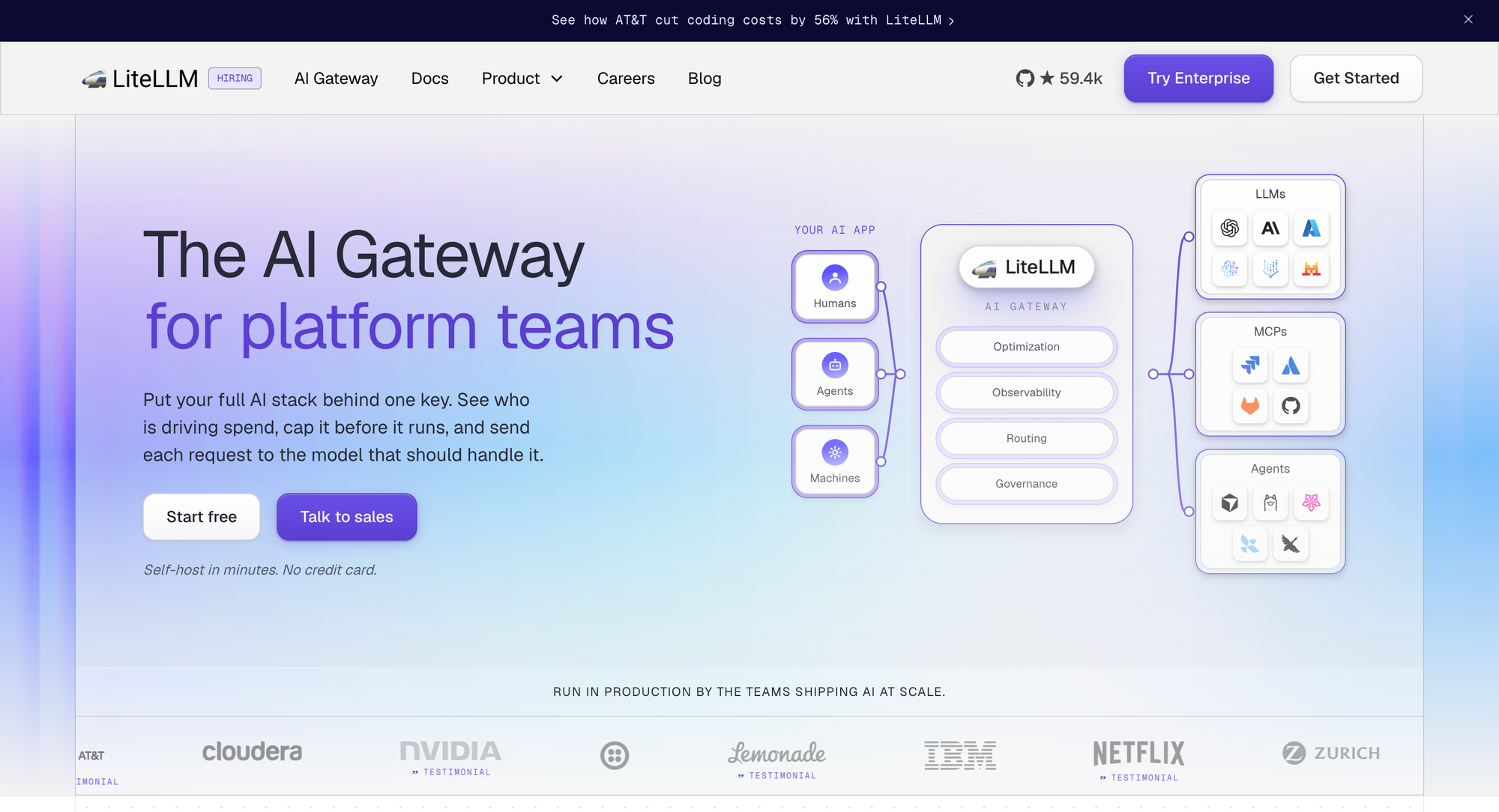
LiteLLM is a popular open-source gateway that provides a unified API for 100+ LLM providers. Its RBAC implementation focuses on organizational hierarchy and team-based access control.
Key RBAC Features: Three-Tier Access Model with Internal Users, Virtual Keys, and Teams. Team Service Accounts allow teams to create service account keys that persist even when individual team members leave. Organization-Level Roles (Premium Feature) enable fine-grained control over who can create teams, manage budgets, and configure provider access. Team Member Permissions let administrators control what regular team members can do with API keys.
3. AWS Bedrock
AWS Bedrock is Amazon's fully managed service for building generative AI applications with foundation models, leveraging AWS's mature IAM infrastructure for enterprise-grade RBAC.
Key RBAC Features: IAM-Based Access Control integrates natively with AWS Identity and Access Management, enabling identity-based policies with granular permissions for model invocation, knowledge base access, and guardrail management. Model-Level Permissions restrict access to specific foundation models based on user roles. Guardrails for Policy Enforcement enable administrators to define content policies that apply based on user roles, with different guardrail configurations for different user groups. Audit Logging with CloudTrail provides comprehensive audit trails for compliance monitoring.
4. Kong AI Gateway
Kong AI Gateway extends Kong's mature API management platform to AI traffic.
Key RBAC Features: Access Tiers control how clients interact with LLMs. Policy-Based Access Control supports sophisticated policy enforcement based on multiple factors. Data Governance provides controls over sensitive information handling. Guardrails and Content Safety enforce policies to prevent inappropriate responses. Visual Traffic Maps show how requests flow between clients and models. MCP Support provides governance for Model Context Protocol traffic.
5. Azure API Management
For organizations already invested in Microsoft's ecosystem, Azure API Management with AI gateway capabilities provides native integration with Azure AI services.
Key RBAC Features: Managed Identity Authentication eliminates the need for API keys. OAuth Authorization supports OAuth for AI apps and agents. Token Limit Policies manage and enforce limits per API consumer based on AI service token usage. Flexible Quota Management allows setting TPM limits or token quotas over various time periods. Multi-Region Governance provides capabilities to scale across regions while maintaining consistent access control policies.
6. Databricks Mosaic AI Gateway
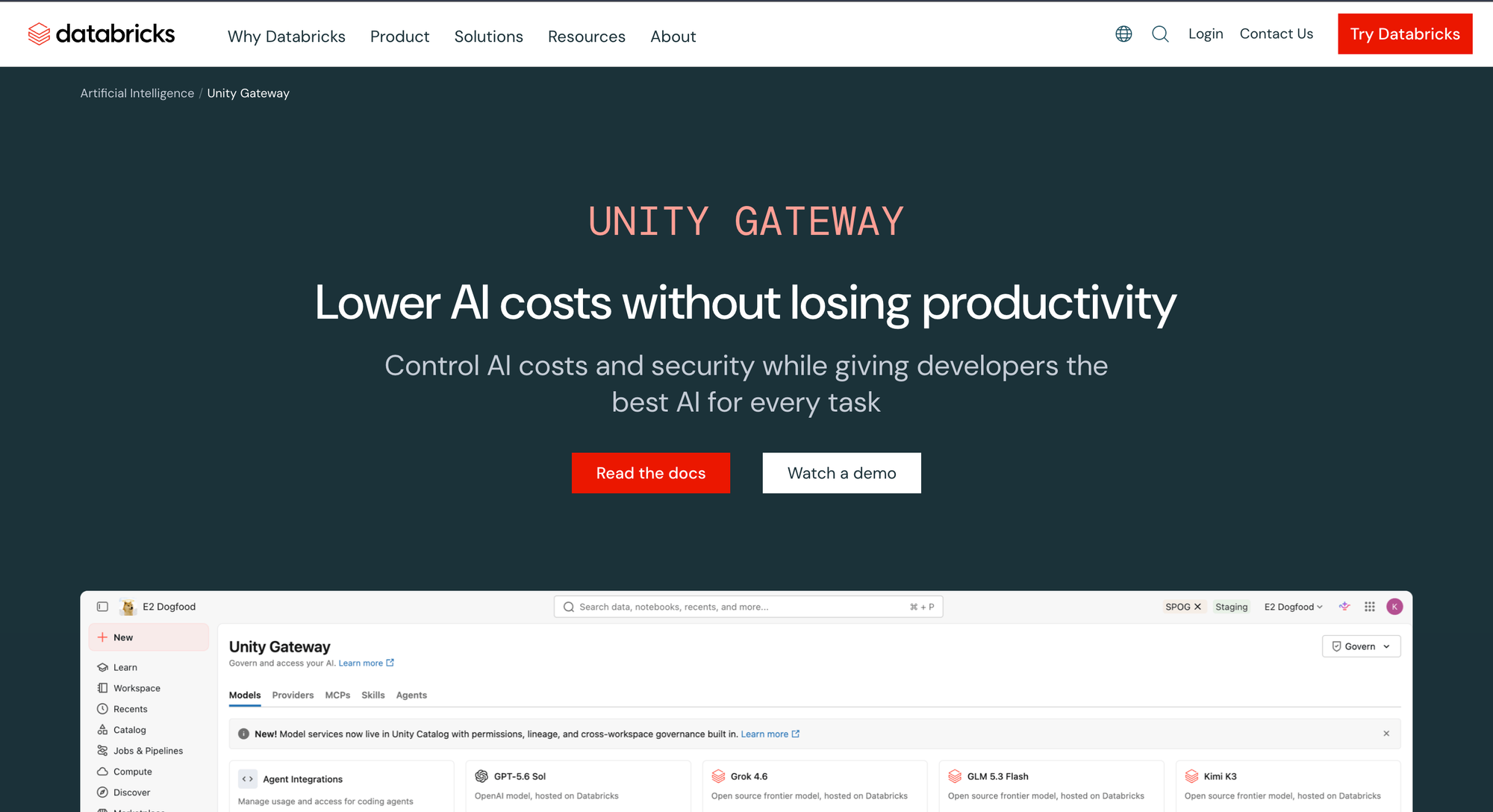
Mosaic AI Gateway is designed for organizations building AI applications on the Databricks platform.
Key RBAC Features: Customizable Permissions and Rate Limits control who can access AI models and how much access they have. Payload Logging for Audits enables organizations to collect raw input and output data for regulatory audits. PII Detection and Filtering can detect and block requests containing personally identifiable information. Unified Cost Observability consolidates and tracks AI usage costs from various providers.
How the Six Compare on Access Control
| Gateway | Administrative RBAC | Runtime credential | Model permissions | Agent tool permissions | Deployment |
|---|---|---|---|---|---|
| Bifrost | Custom roles, access profiles, OIDC provisioning | Virtual keys with budgets and rate limits | Model allow-list per key | MCP tool filtering per key | Self-hosted, in-VPC, air-gapped |
| LiteLLM | Internal user roles; organizations are an enterprise feature | Keys, teams, service accounts | Per key and team | MCP permissions by key and team | Self-hosted |
| AWS Bedrock | IAM policies | IAM identities and roles | Model-level IAM permissions | Separate service (AgentCore Gateway) | Managed (AWS) |
| Kong AI Gateway | Enterprise IdP integration and RBAC | Consumers and Consumer Groups | Route and plugin configuration | ACLs per MCP tool since 3.12 | Self-hosted or Konnect |
| Azure API Management | Entra ID | Managed identity, per-consumer keys | Policy configuration per API | Not documented | Managed (Azure) |
| Databricks AI Gateway | Workspace permissions | Platform identities | Foundation model permissions | Not documented | Managed (Databricks) |
"Not documented" means the vendor's own documentation, read for this comparison, does not describe the capability. Every option enforces something; the differences are where the boundary sits and how much lives in one control plane. The broader ranking is in the production-ready AI gateway comparison, and the five security dimensions in the enterprise gateway security comparison.
Get Started with Access Control at the Gateway
Role-based access control is no longer optional for organizations deploying LLM applications at scale. AI gateways provide the infrastructure layer to implement it: authentication, authorization, logging, and policy enforcement in one platform, applied before the provider call rather than after.
Bifrost combines virtual keys, custom roles with access profiles, hierarchical budgets, MCP tool filtering, and self-hosted deployment in an open-source product, at 11 microseconds of overhead per request. Where those controls fit in the wider platform is set out in governing LLM usage in the enterprise. Teams running coding agents can apply the same model per developer, as described in choosing an AI gateway for Claude Code.
To see how Bifrost fits your access control requirements, book a demo with the Bifrost team.
Frequently Asked Questions
What is RBAC for LLM applications?
RBAC for LLM applications assigns permissions by role rather than per user, then enforces them on every model call. In practice it covers two planes: who can administer the gateway, and what each application, team, or agent may call through it. The second plane is usually implemented with scoped credentials such as virtual keys carrying model allow-lists, budgets, and rate limits.
Why implement RBAC at the gateway instead of in the application?
Because the gateway sits in front of every application, so a policy applies everywhere at once and is enforced before the provider call. Application-level checks have to be rebuilt in every service and kept consistent as teams change. Enforcement at the gateway also produces one log of who called which model, rather than a patchwork per service.
How do virtual keys support role-based access control?
A virtual key is a gateway-issued credential mapped to a role's permissions: which providers and models it can reach, its budget and reset cycle, its rate limits, and which agent tools it may call. Provider keys stay inside the gateway, so changing a team's access is a configuration change rather than a credential rotation across every service.
Does RBAC need to cover AI agent tool calls?
Yes. An agent that can reach every connected tool has more authority than the person who launched it, which the OWASP LLM risk list calls excessive agency. Filtering tools per key keeps an agent inside the same least-privilege boundary as an application; the mechanics are covered in tool-level permissions for production AI agents.
How does RBAC connect to an existing identity provider?
Through SSO and user provisioning. The gateway authenticates platform users against Okta, Entra ID, or another OIDC provider, then maps identity provider groups and claims onto gateway roles, so joiners and leavers are handled by the same process as the rest of the stack. Runtime credentials for applications and agents are issued separately, since services do not log in interactively.
What should RBAC logs capture for an audit?
Two streams. Request logs record identity, model, parameters, tokens, cost, and outcome for each call. Administrative audit logs record who created or changed a key, budget, role, or policy. Auditors typically ask for both: one shows usage, the other shows control. LLM observability options compare how gateways expose them.